Review a quote basket
Customers can add configured designs to a basket and review them before continuing to the quote form.

Product features
A teamwear configurator gives customers a visual way to choose. Kitory keeps that experience rooted in the designs and options prepared for each garment.
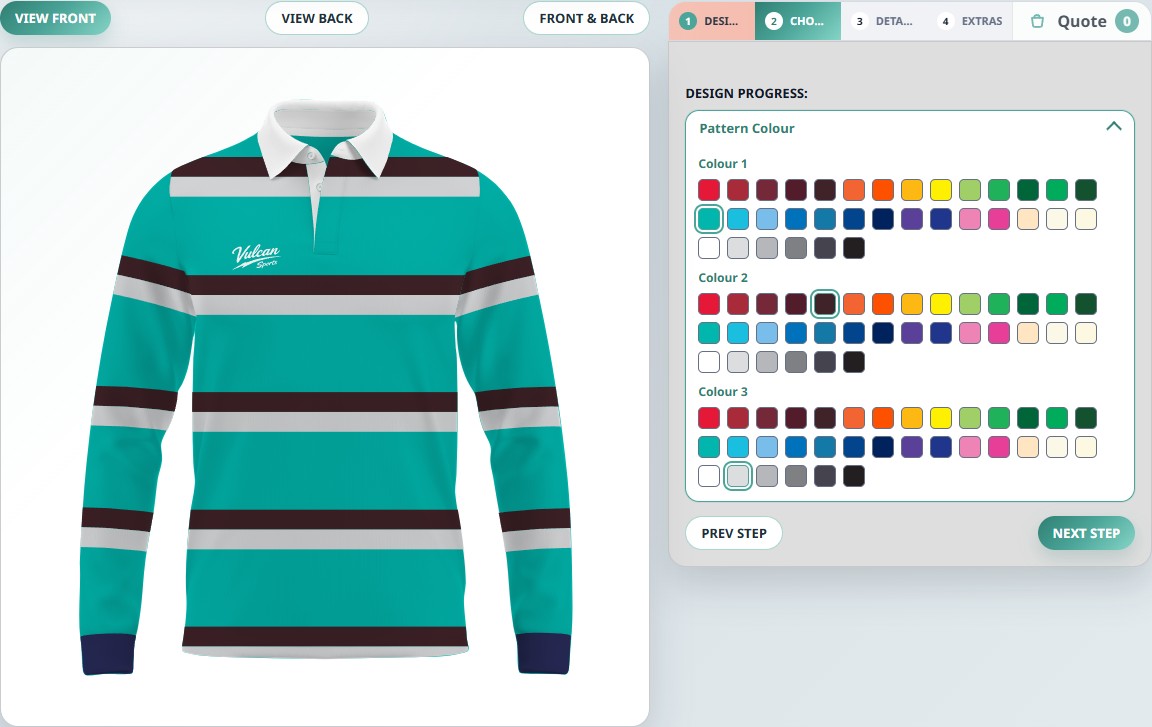
01 / Designs & colours
Organise garments into categories, products and predefined designs. Customers select a starting point, then use colour palettes to change the editable areas.
SVG artwork lets the builder target specific parts of a design. The palette and controls depend on how that garment is configured. On-screen colours are a visual guide; final colour matching remains a supplier decision.
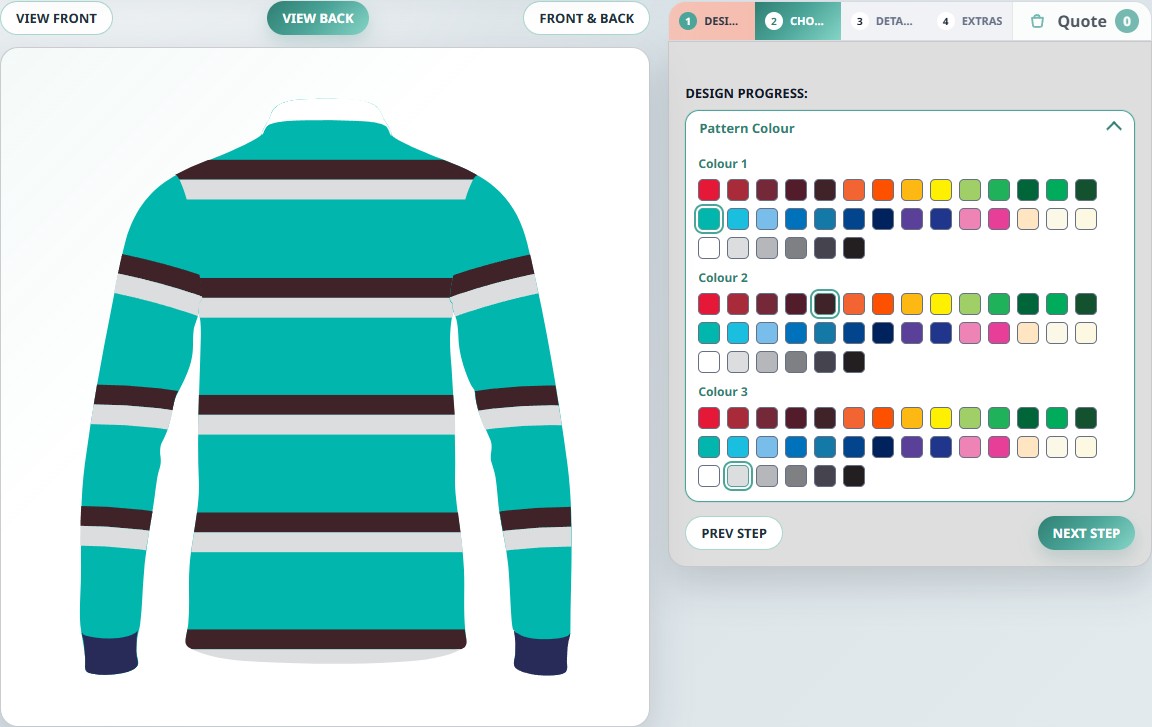
02 / Views & garment options
Front, back and combined views help customers check a concept from both sides. The builder supports configured garment choices, including image-based options and overlays such as collar styles.
Options are prepared per garment. A feature appearing on one example does not mean it is available on every product.
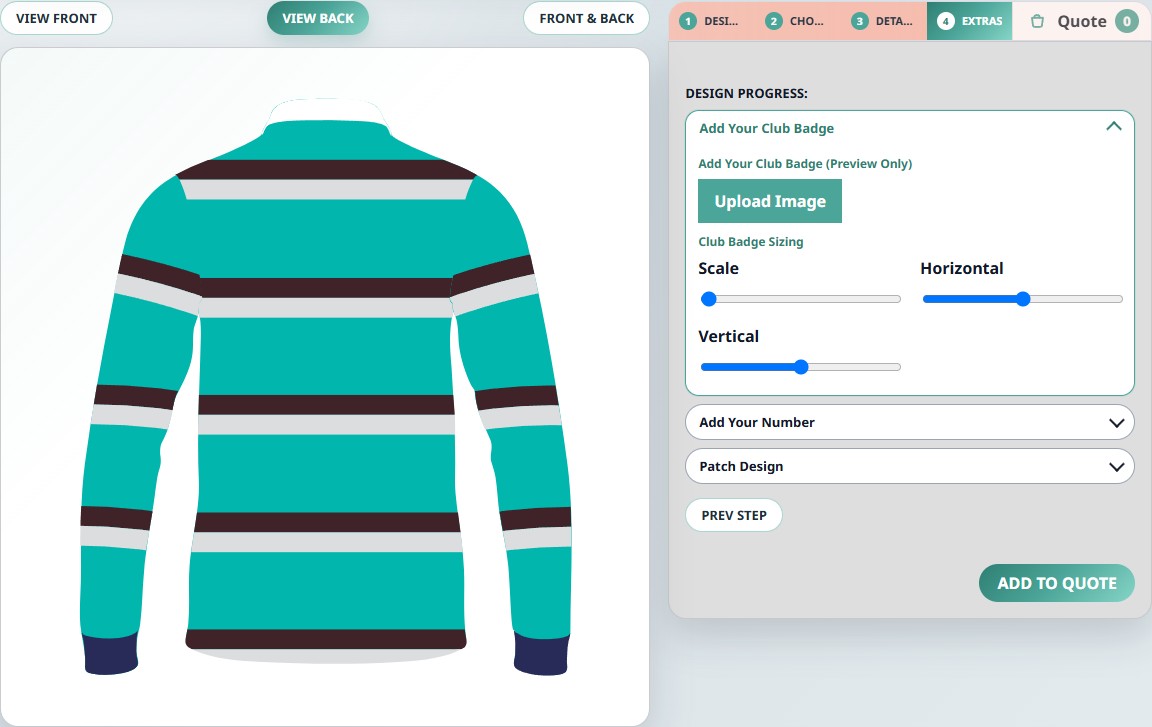
03 / Logos & text
Where enabled, customers can upload a badge, choose an available logo and enter text such as a player number. Configured controls can also adjust an image’s size and position.
These are visual customisation fields. Artwork quality, permissions and suitability for manufacture still need supplier review.
04 / Supplier enquiries
The quote journey connects a customer’s kit concept with the details your business needs to follow up.
Customers can add configured designs to a basket and review them before continuing to the quote form.
The customer supplies their details and comments. The quote record includes the selected product, design and configuration.
Quote records are saved for review in the admin area. Email notifications require email setup. Pricing, artwork approval and production remain with the supplier.
The verified workflow ends in a quote request. Checkout, payment processing and production-ready exports are not included in these feature claims.
Your range. Their next kit.
Tell us about your garments, your customers and the way you handle enquiries.